
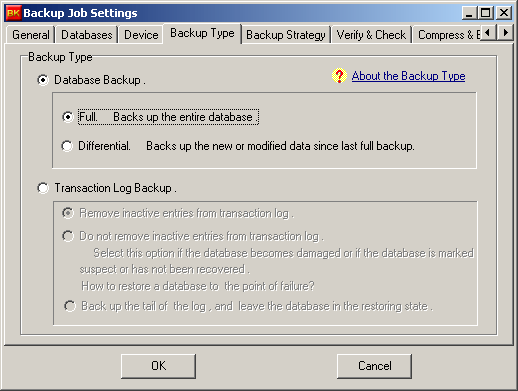
- For the early version of SQL Server (SQL Server 2000 or earlier version), you have to use a special way to back up the full-text catalog because it can not be backed up along with the database during a normal backup operation.
- But for a 2005 edition, (including SQL Server 2005, Express 2005), you can back up the full-text catalog via a database full backup operation, the full-text catalog is treated as parts of the database files.
- To perform a valid backup, SQL Server requires all the database files and full-text catalogs in the database to be online.
- In some cases, you may get an error message because the full-text catalog was not online. In this case, you can check the error log to find why the catalog became offline and remove this error, then do the backup once again .
http://msdn2.microsoft.com/EN-US/library/bb326385.aspx
http://support.microsoft.com/kb/923355