If a database fails , and you have backed up this database with SQL Server Backup, you can restore the database to the point of failure.
This walk-through will show you:
- How to restore database to point of failure
- How to create a transaction log backup for a failed database
- How to create a restore job
- How to define the job's options
- How to run a restore job
Steps : 1, 2, 3, 4, 5, 6, 7 , 8 , 9 , 10
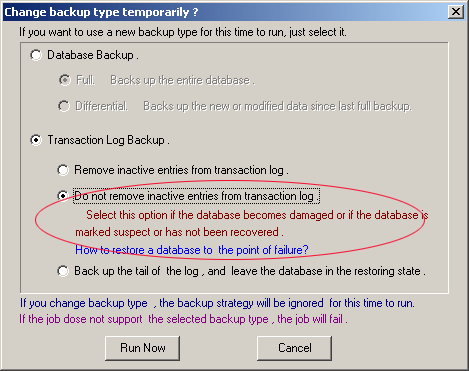
1) To restore a database to the point of failure, you have to do a transaction log backup at first on this database. Just select the backup job of the database in Backup child window , then click the "Run Now" buttion , the most important thing is to select a proper transaction log backup type or the backup job will fail.
Please note:
- If the database dose not support transaction log backup , that is the database's recovery modal is "Simple" , it can not be restored to latest state. In this case , please ignore this step.
- When you do this last tranaction log backup , you must select "Do not remove inactive entries" type of transaction log backup
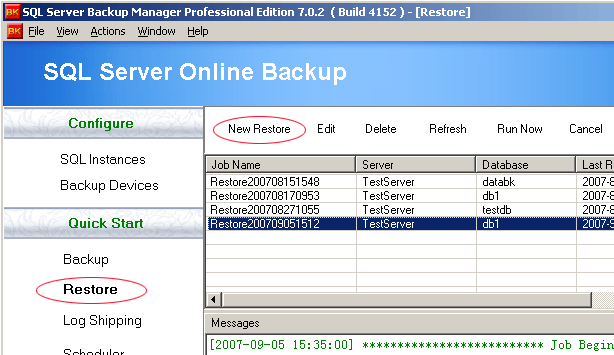
2) Now , open the Restore child window , just click "New Restore" button to create a new restore job.
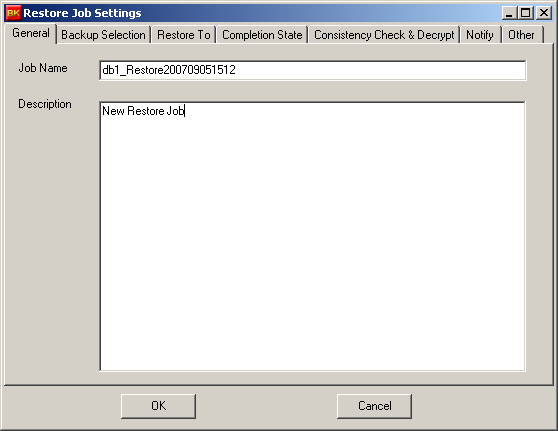
3) Fill the general information for the restore job :
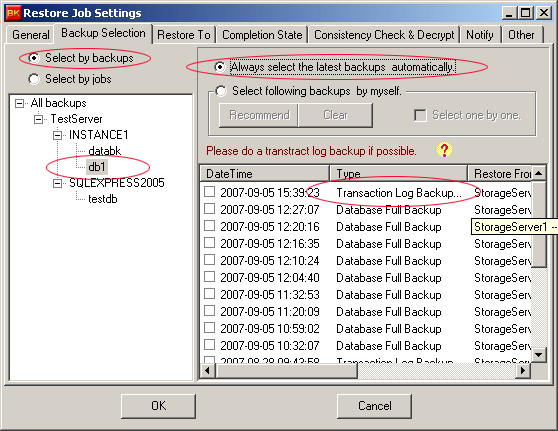
4) In "Backup Selection" tab , we expand the tree view , select the database to be restored , keep "Always select the latest ....." option is selected , thus the backup created in step1 is also selected :
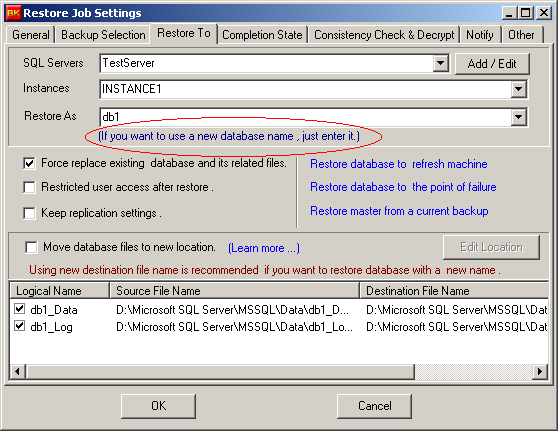
5) Because we want to restore to original database , we just keep default settings in "Restore to" tab:
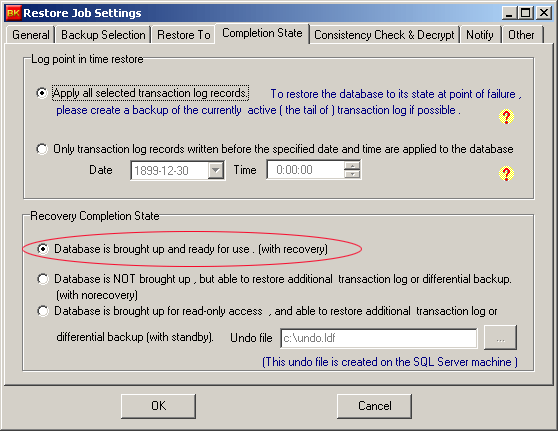
6) Of course , the database should be ready after restore. Just keep default settings:
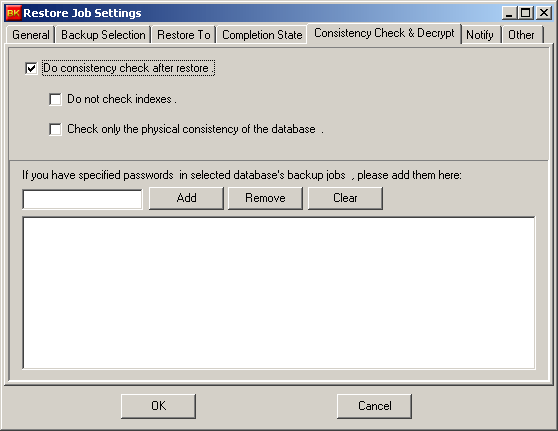
7) Doing consistency check is recommened if the database fails because of media failure :
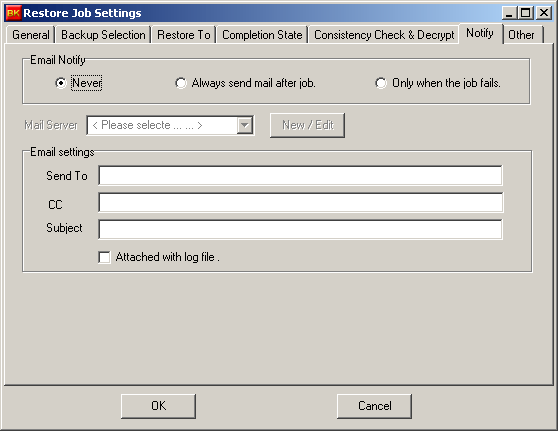
8) We do not want a email notification, just keep default settings.
9) We run nothing before/after job.
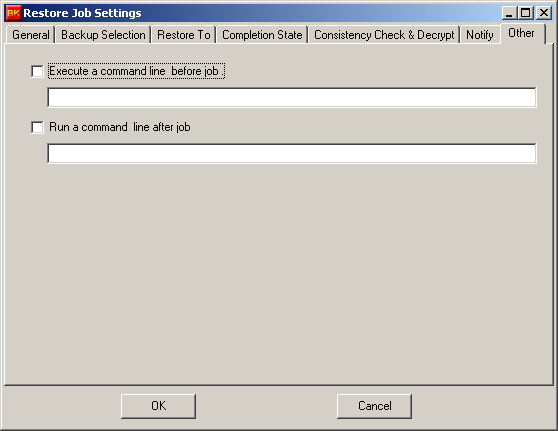
10) Click "OK" button to save the job to return to Restore child window. In Restore child window , we just click "Run Now" button to run the restore job.
Please note: If any , you have to close all programs that using the database before the restore job runs, including Enterprise Manager or Management Studio.